People & accounts
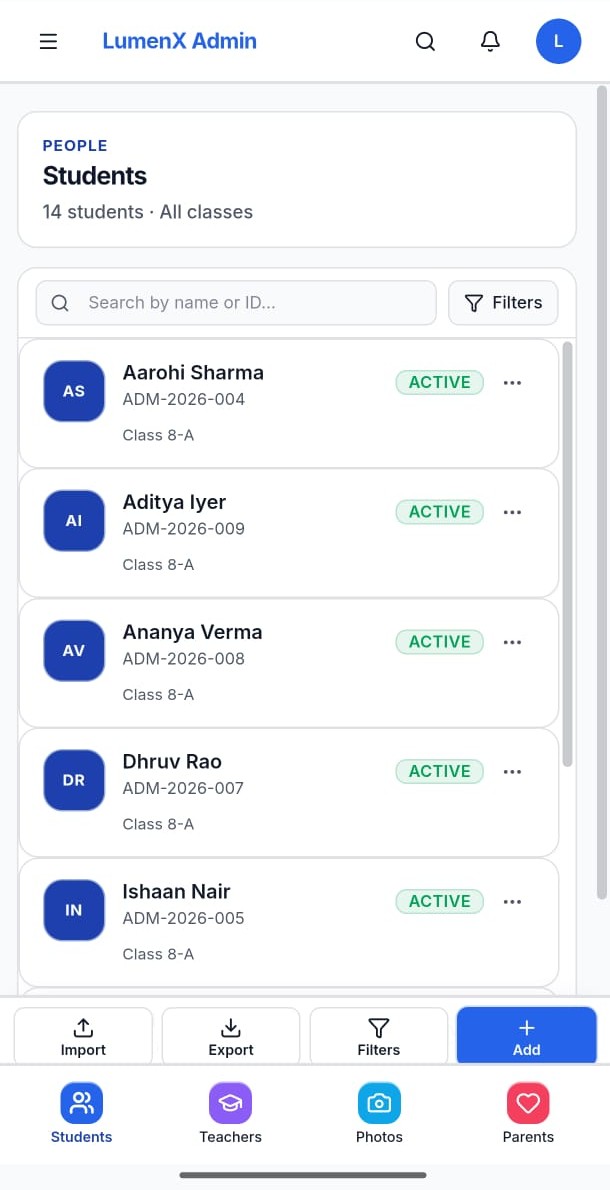
Students, teachers, parents, photos, and portal accounts with guardian linking.
- Who uses it
- Office administrators
- Workflow it simplifies
- Build and maintain the shared directory other products read.
Operations · Admin
LumenX Admin is the institute console where the office manages people, academics, attendance, fees, communications, documents, and day-to-day operations. Connect, Transport, Admissions, and Careers read from this shared record — they do not keep a second roster.
Browser console for the institute office. A Windows desktop shell opens the same Admin experience when published.

People directories, fees, attendance, documents, and hiring often live in separate files. Staff chase updates across channels, and families wait on office hours for information that already exists somewhere on campus.
Student, staff, and guardian details are retyped across sheets and message threads.
Attendance, fees, notices, and approvals lack a single place for authorized staff to act.
Transport, admissions, and hiring need the same institute directory — not a parallel database.
Each card reflects a verified workspace in the product — not a generic feature list shared across LumenX apps.

Students, teachers, parents, photos, and portal accounts with guardian linking.

Classes, enrollments, subjects, timetable, exams, marks, homework, and diary visibility for the office.

Mark and review student and staff attendance with reports for authorized roles.

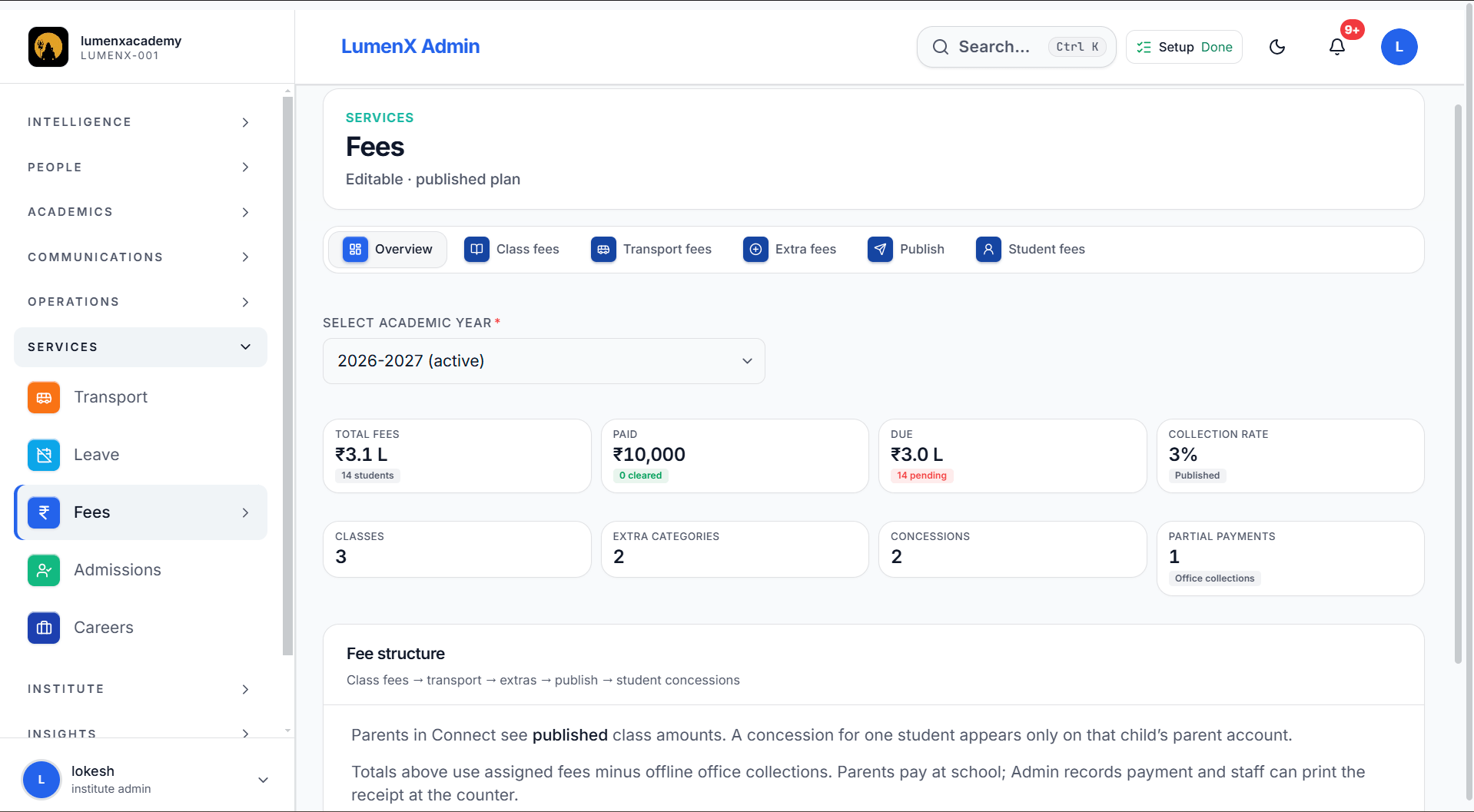
Class fees, transport fees, extras, publish flows, and per-student dues overview.

Notifications, messages, announcements and alerts (Send), and complaints with clear ownership.
Document requests, templates, generation, and issued copies for institute records.
Leave requests and office approvals connected to the people directory.
Vehicles, drivers, stops, routes, student assignment, trips, boarding, and emergency notes when Transport is enabled.
Pipeline visibility with convert-to-student and convert-to-teacher when those modules are on.

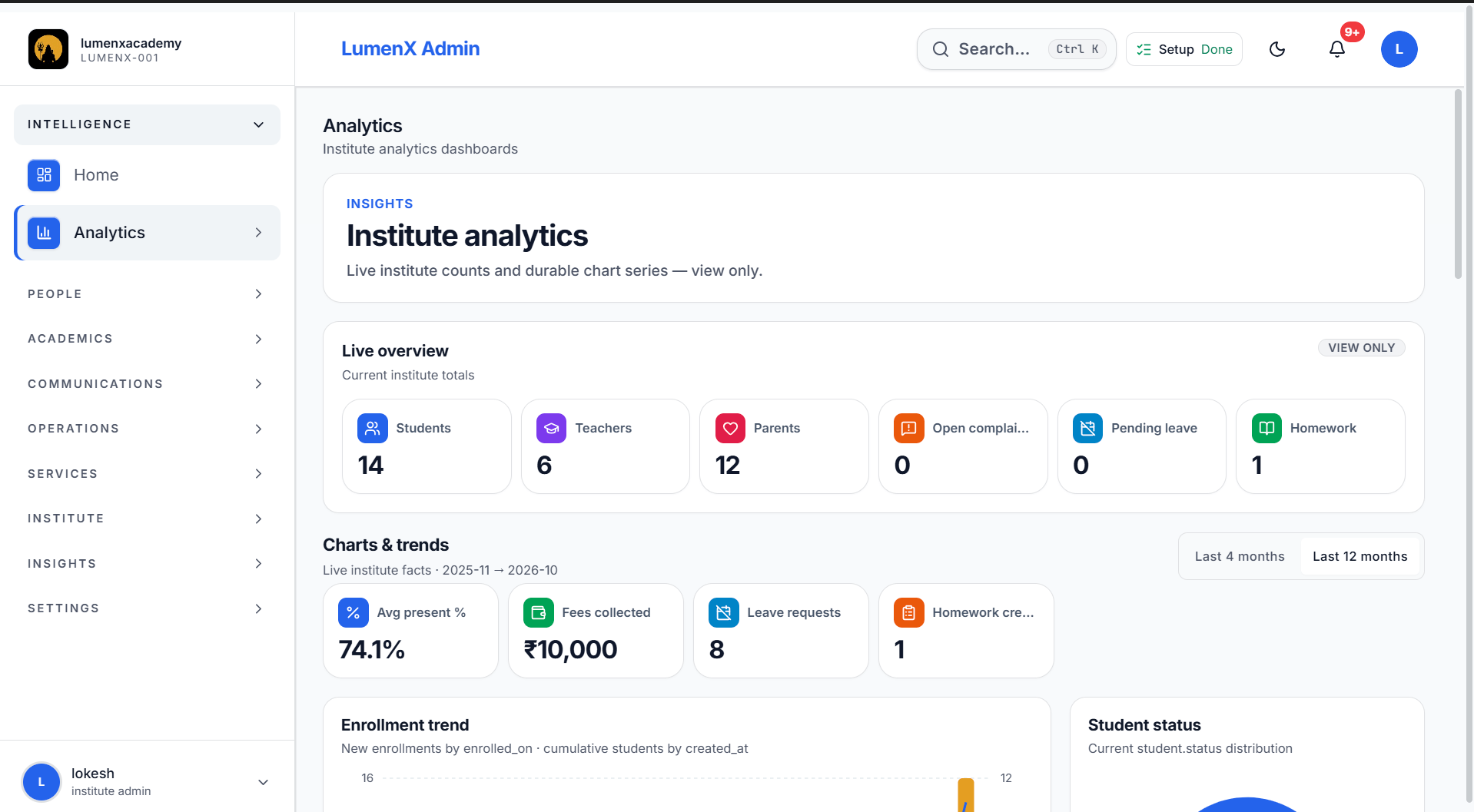
Home overview, analytics dashboards, reports, and teacher performance views.

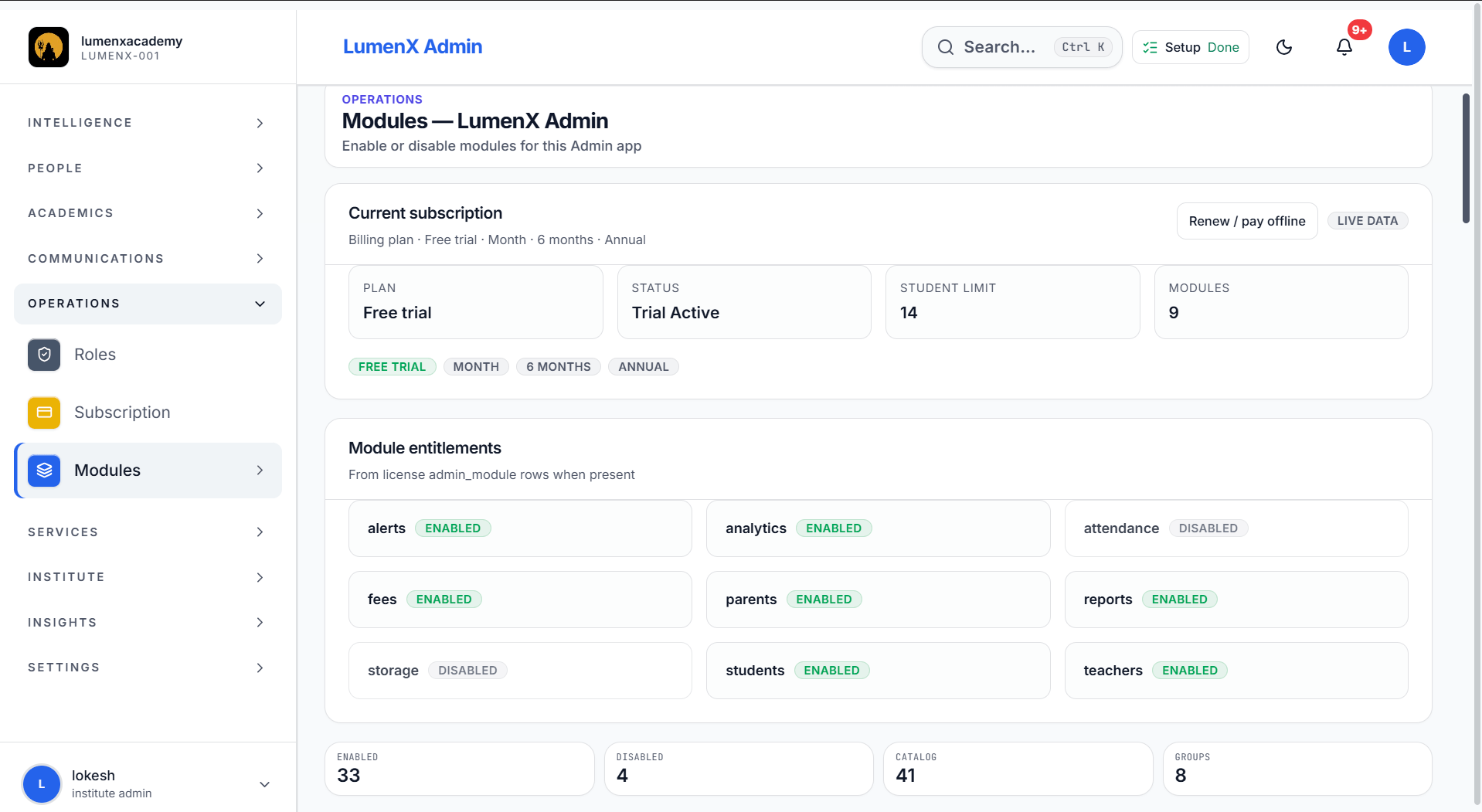
Custom office roles, module toggles, subscription, storage, and institute settings.
Steps below match verified product flows — setup, daily use, and hand-offs to related LumenX apps.
Build the shared record the rest of LumenX will read.
Keep daily operations in one office console.
Other products show only what each role needs.
Principals, front office, accountants, and staff with assigned Admin roles.
Run the institute day from one authorized console.
Manage structures, dues, and fee history families can also see.
Handle intake and certificates without a second database.
Captions explain what each screen demonstrates. Images keep their natural aspect ratio — nothing important is cropped.

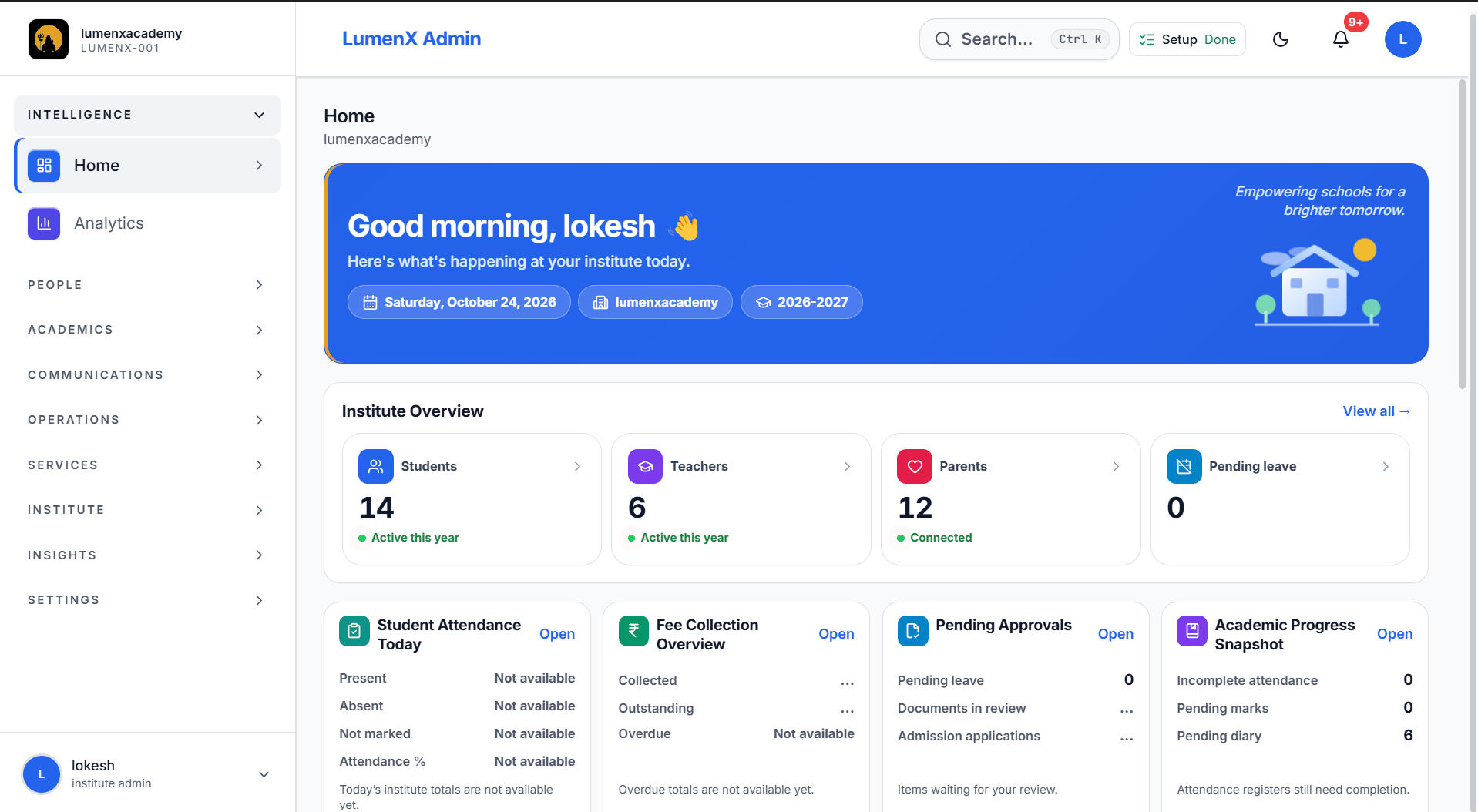
Today. Home command console with institute overview and operations.

Analytics. Institute totals and chart series for leadership review.

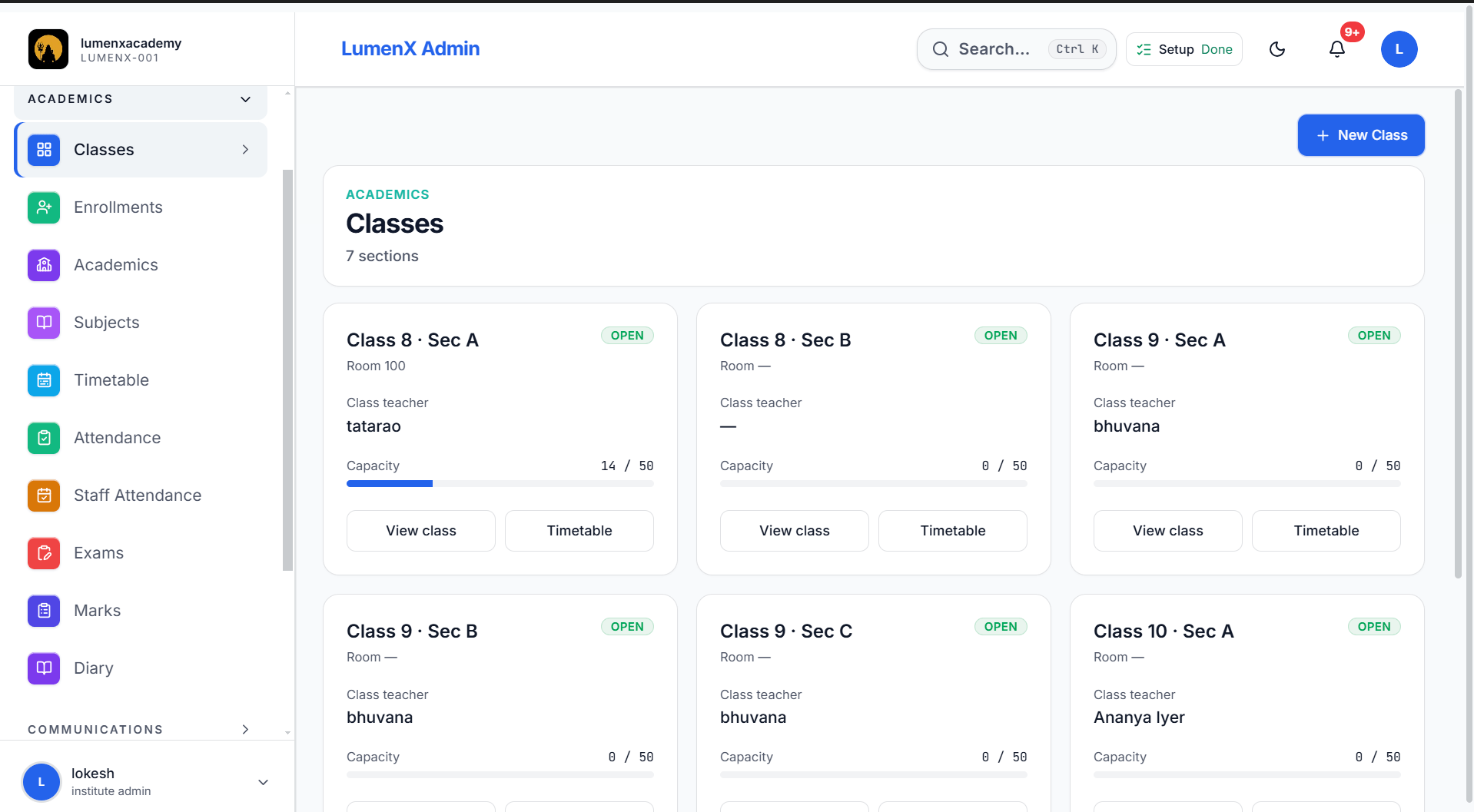
Classes. Class sections, capacity, and class teachers.

People. Teachers and staff directory.

Fees. Structures, publish, and per-student dues.

Modules. Enable or disable modules for the institute.

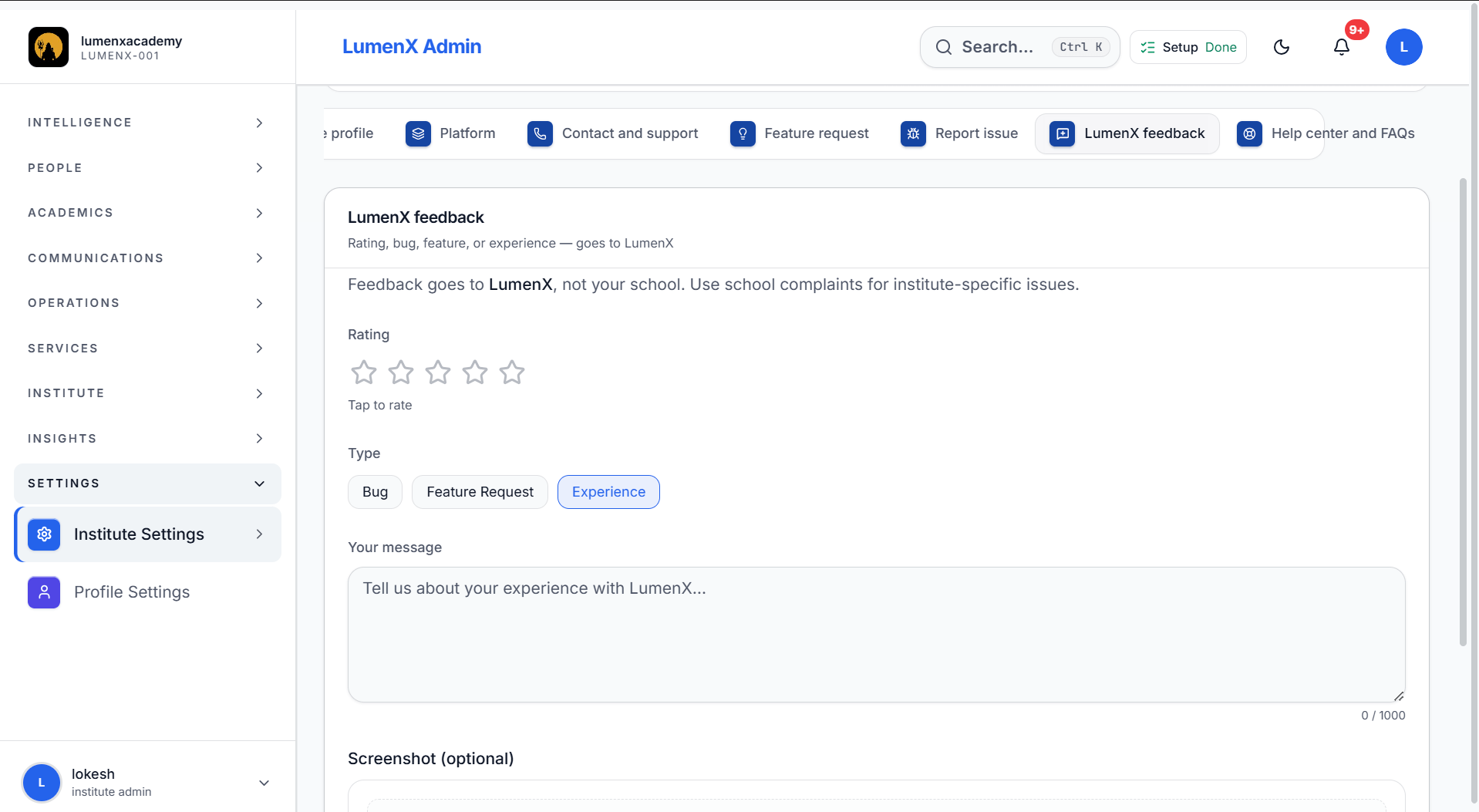
Feedback. Platform feedback from the institute office.
Book a demo to walk through Admin with your institute workflows. After verification, a 60-day trial can begin — this site does not collect payment.