
Jobs & opportunities
Openings the institute publishes. Candidates browse, save, and apply.
- Who uses it
- Candidates · recruiters
- Workflow it simplifies
- List roles where applicants can find them.
Hiring · Careers
LumenX Careers is a recruitment and opportunity platform for institutes — jobs, applications, candidate profiles, and interview outcomes on the hiring file. Admin converts an approved hire into a teacher record. It is not payroll, attendance, or a full HRMS.
Standalone Careers web app. Connect can link here; Android builds when published.
Job posts, CVs, and interview notes scatter across channels. When someone is hired, the office retypes details into the staff directory and classroom systems.
Openings and CVs arrive in inboxes without a shared pipeline.
Documents and history are hard to find when decisions need context.
Approved candidates should become teacher records without starting from a blank form.
Each card reflects a verified workspace in the product — not a generic feature list shared across LumenX apps.
Openings the institute publishes. Candidates browse, save, and apply.
A pipeline recruiters and the office can review, including waitlist and approval stages.
Profiles and documents that travel with the application.
Interview outcomes on the application. This is not a campus-wide interview calendar product.
Post and edit jobs, review applicants, and work a talent pool from the Careers app.
Admin turns an approved hire into a teacher record the rest of LumenX can use.
Steps below match verified product flows — setup, daily use, and hand-offs to related LumenX apps.
Recruiters post openings candidates can browse and save.
Move candidates through application review and interview outcomes on the file.
Admin converts an approved hire to a teacher record.
Candidates, recruiters, and the institute office.
Find roles and track applications in one portal.
Run hiring without a side-channel inbox.
Bring approved hires into the staff directory.
Captions explain what each screen demonstrates. Images keep their natural aspect ratio — nothing important is cropped.
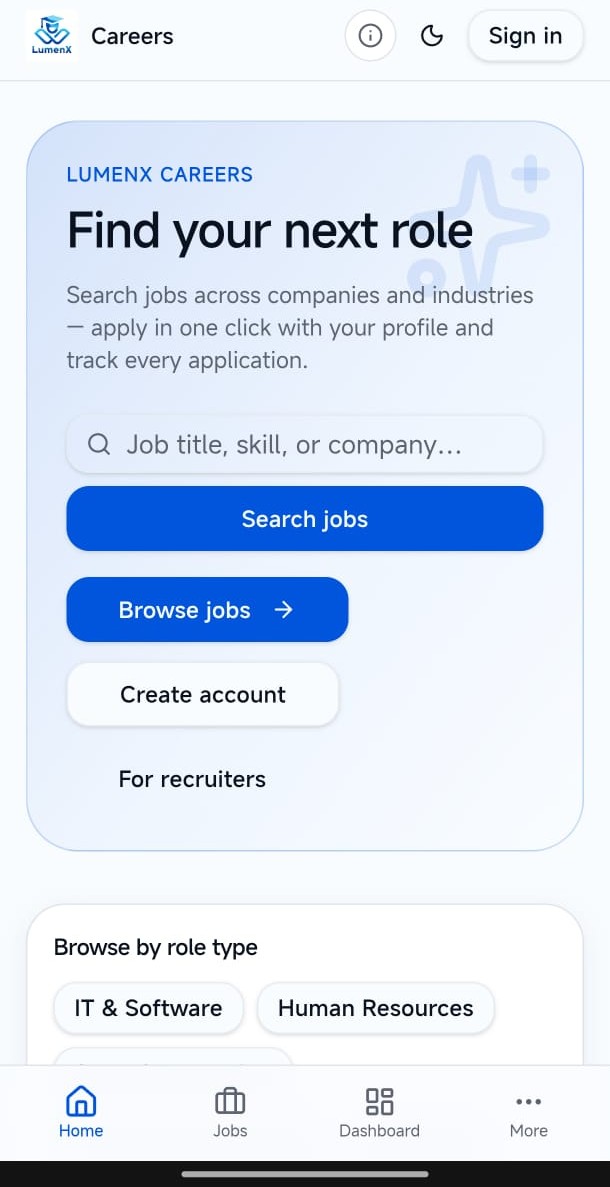
Home. Careers home for browsing opportunities.
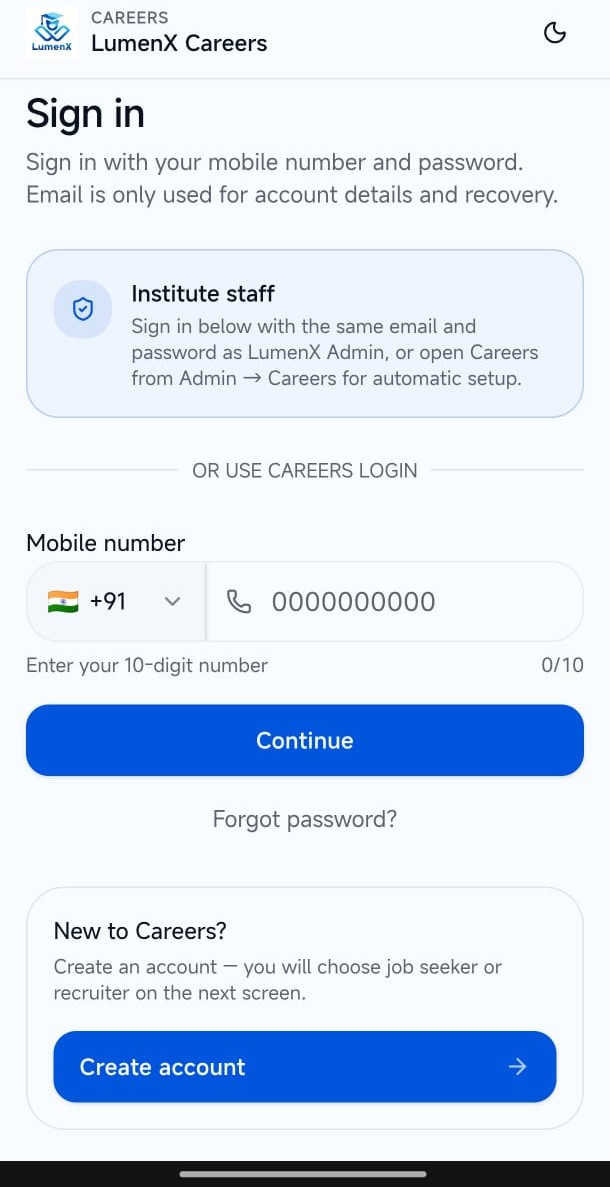
Sign in. Access path into the Careers portal.
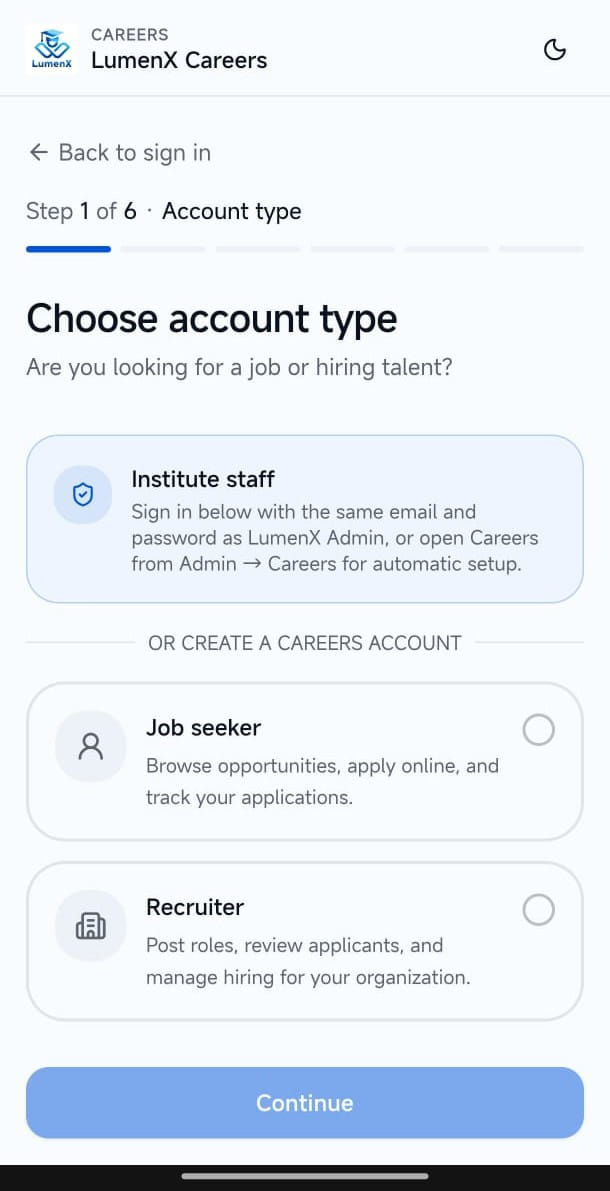
Account type. Candidate and recruiter entry into Careers.
Book a demo to see Careers with Admin conversion. Careers is enabled per institute after verification.